Dashboard Tools
The bottom of the left menu has three tools: Advanced Search to find dockets and documents, Notifications for alerts about the dockets you follow, and Profile for your account details.
Signed-in Tier 1 and Tier 2 users.
Advanced Search
Click Advanced Search in the left menu to search for dockets or documents with different filters.
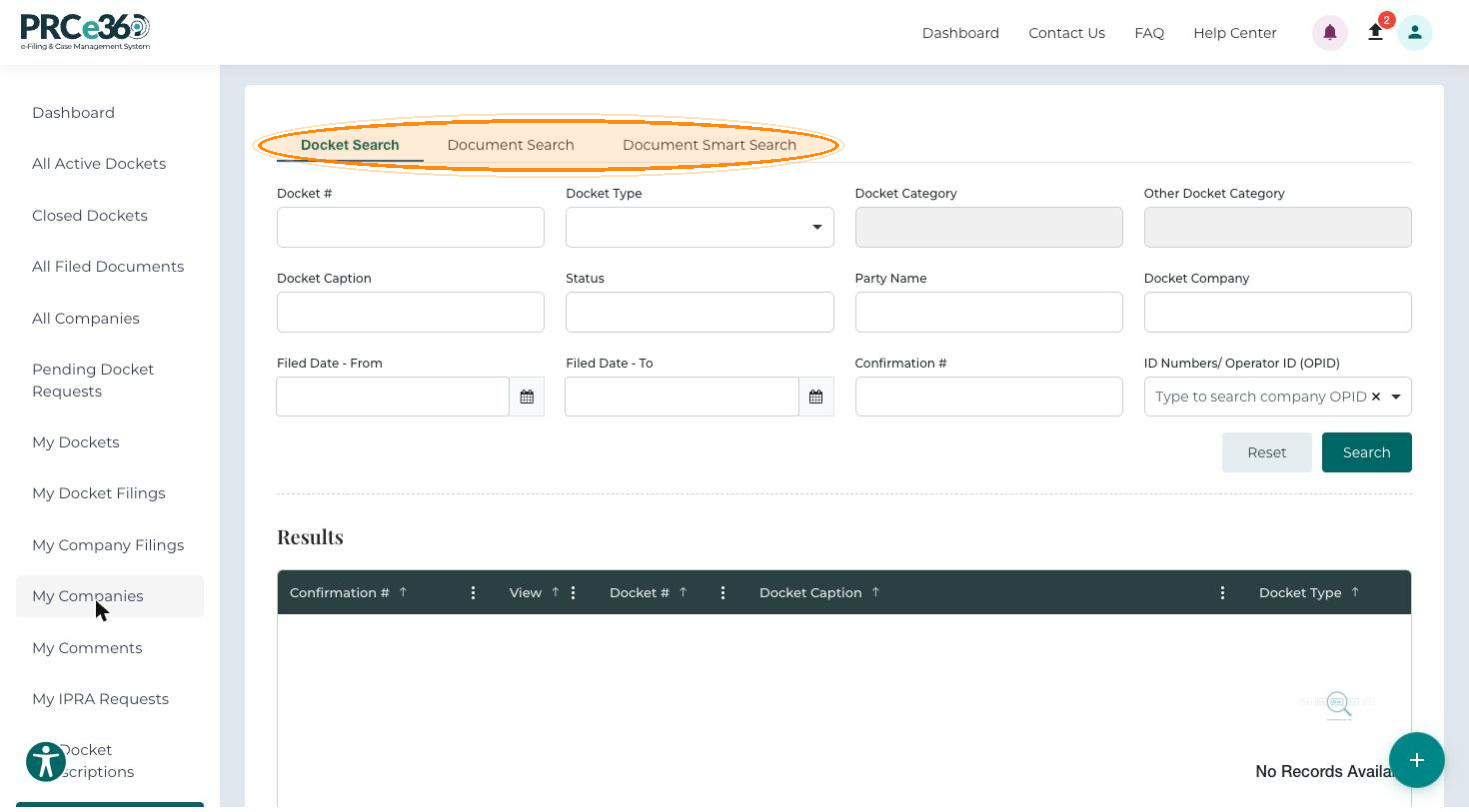
For the filters and results, see Advanced Search.
Notifications
Notifications lists the alerts the system generates for the dockets you subscribe to, such as new filings, hearing schedules and status changes.
In the left menu, click Notifications. Every alert for your account is listed.
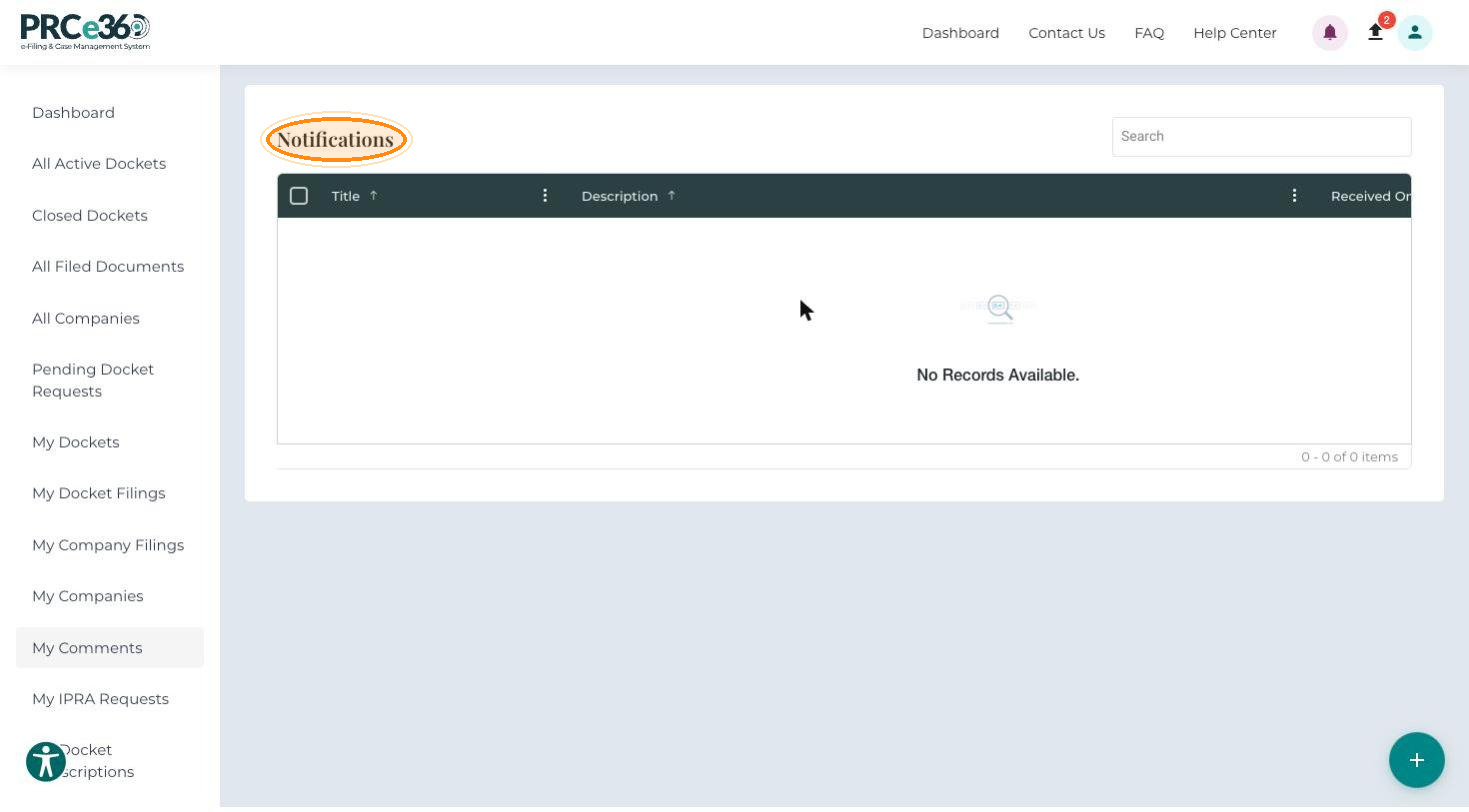
| Column | Description |
|---|---|
| Title | A short description of the event, for example New Document Filing. |
| Description | Details of the event. |
| Received On | Date and time the notification was generated. |
| Actions | Whether the notification has been viewed or acknowledged. |
To choose which dockets you receive alerts for, use My Docket Subscriptions (see My Items).
Profile
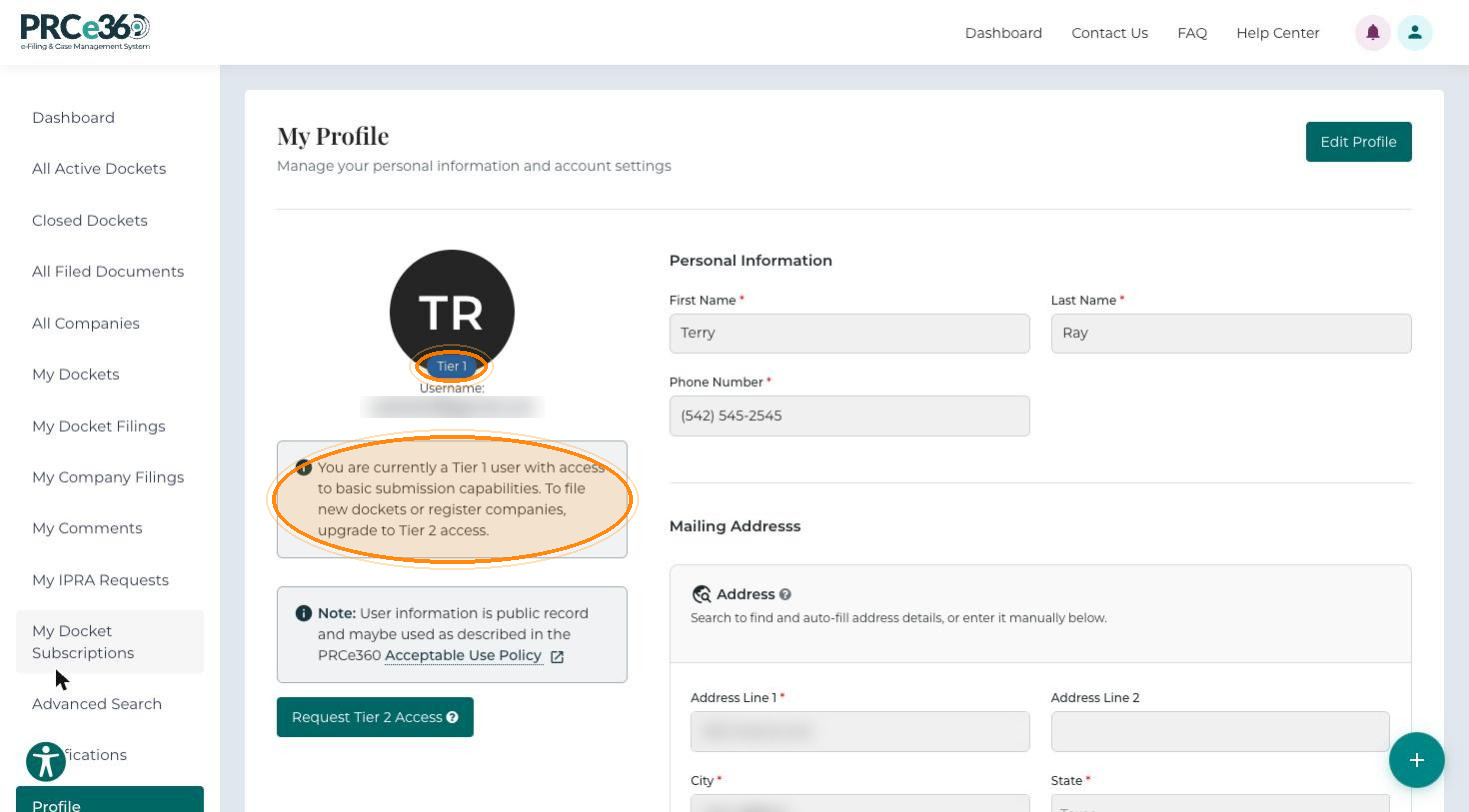
Click Profile in the left menu to open My Profile. It shows your Personal Information and Mailing Address, your user type (Tier 1 or Tier 2) and your username. Click Edit Profile to change your details, including your address.
Tier 1 users also see a message that they have basic submission capabilities and must upgrade to Tier 2 access to file new dockets or register companies, and they can request Tier 2 access from this page.
Your user information is public record and may be used as described in the PRCe360 Acceptable Use Policy, linked from the profile page.