Submit Your Comment
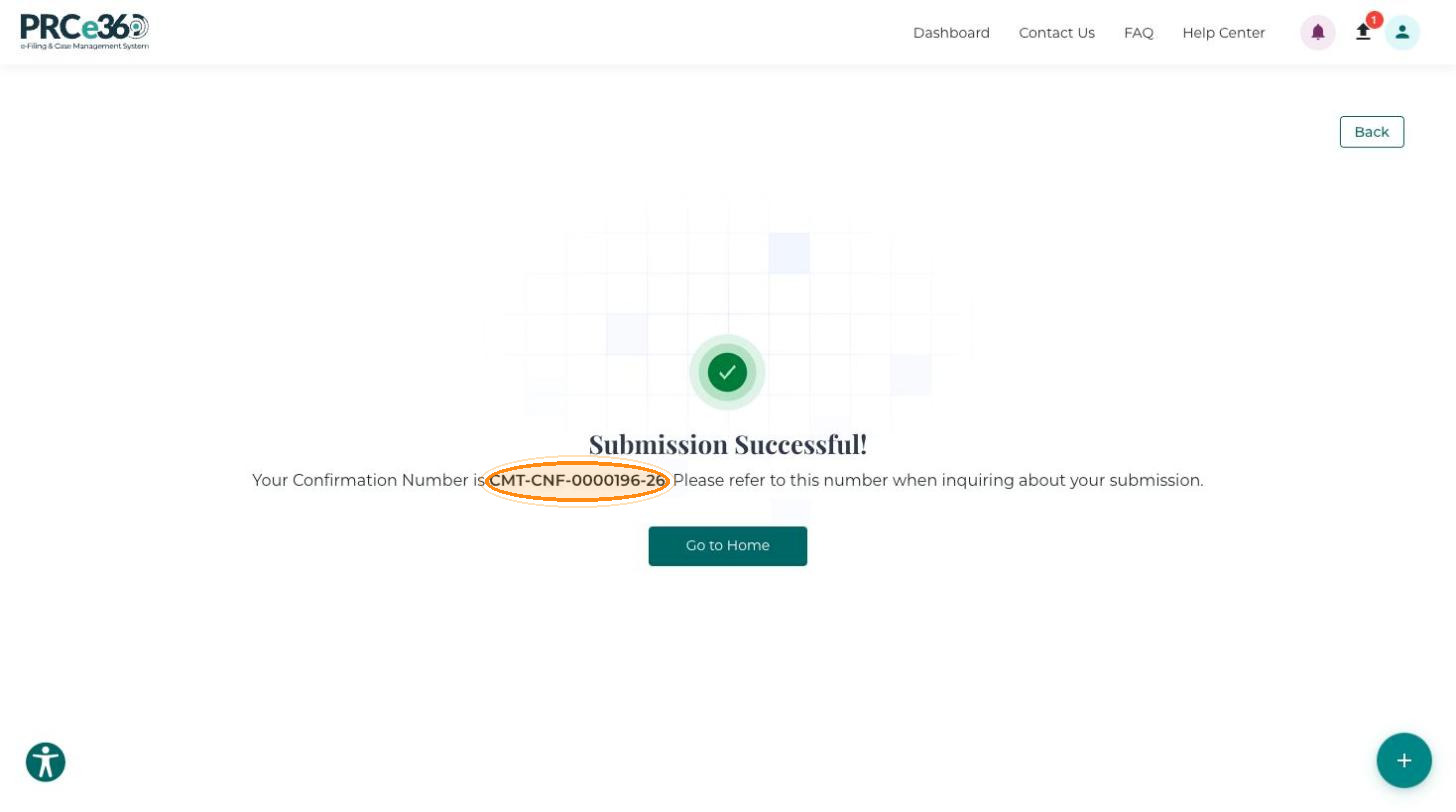
When the form is complete, submit the comment to the NMPRC. The portal gives you a confirmation number for your records.
Before you begin
Check that:
- A comment category is selected.
- All required fields are completed.
- Your contact information is accurate.
- The comment text is complete.
- Certify that you understand and agree to the guidelines and limitations. is selected.
- Any supporting documents are uploaded.
Submit the Comment
-
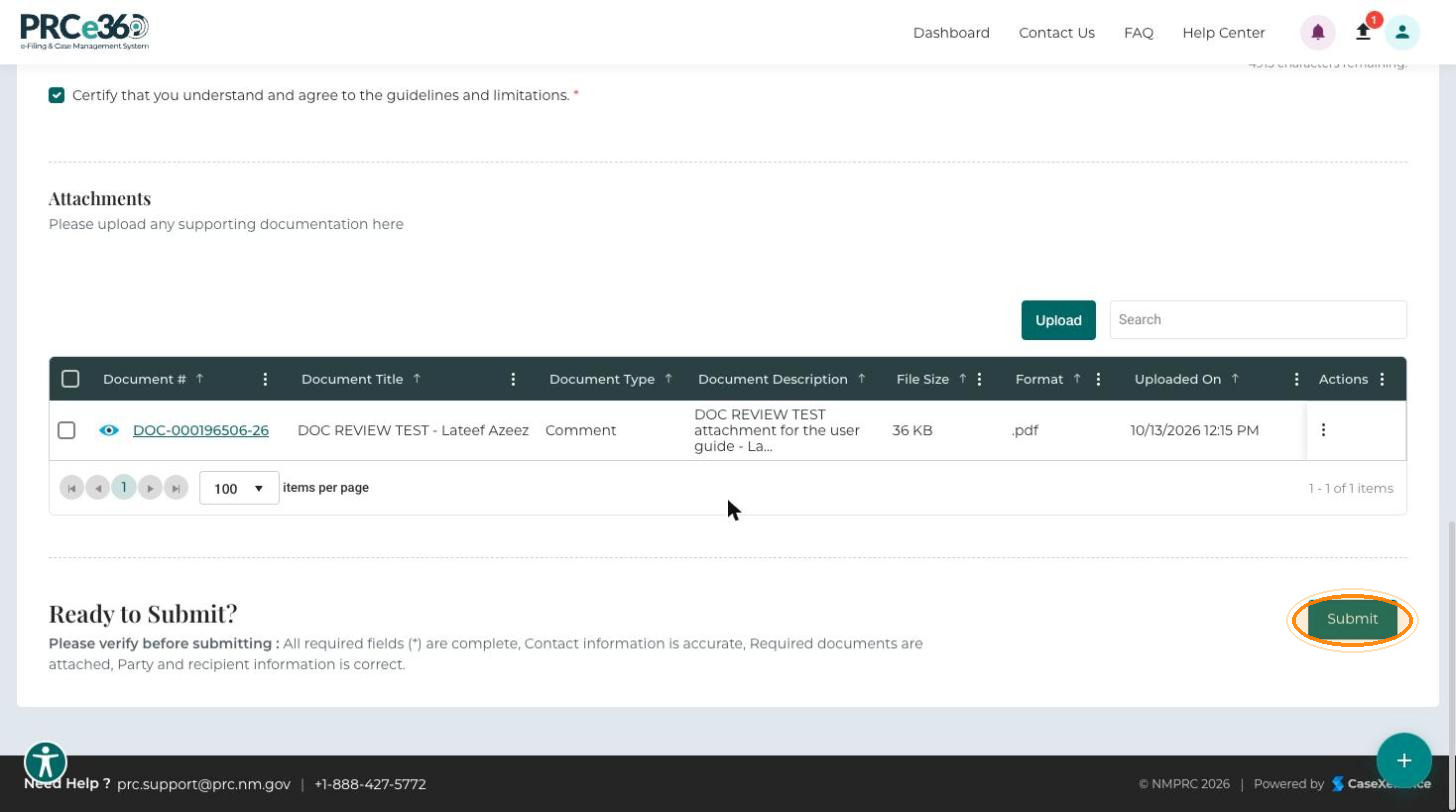
Review the information you entered. The Ready to Submit? section at the bottom of the form reminds you to check that all required fields are complete, your contact information is accurate, required documents are attached, and party and recipient information is correct.
-
Click Submit.
The Submission Successful! message appears with your Confirmation Number (for example, CMT-CNF-0000196-26). Refer to this number when you ask about your submission. Click Go to Home to leave the page.
After Submission
- PRC staff review your comment.
- You may receive notifications about the status of your comment.