Open the Comment Form
You can open the Create New Public Comment form from the PRC landing page without signing in, or from your dashboard after you sign in.
| User type | Where to start |
|---|---|
| Visitor without an account | The PRC landing page. |
| Tier 1 and Tier 2 users | The PRC landing page or the dashboard. |
From the Landing Page
You do not need to sign in to submit a comment this way.
-
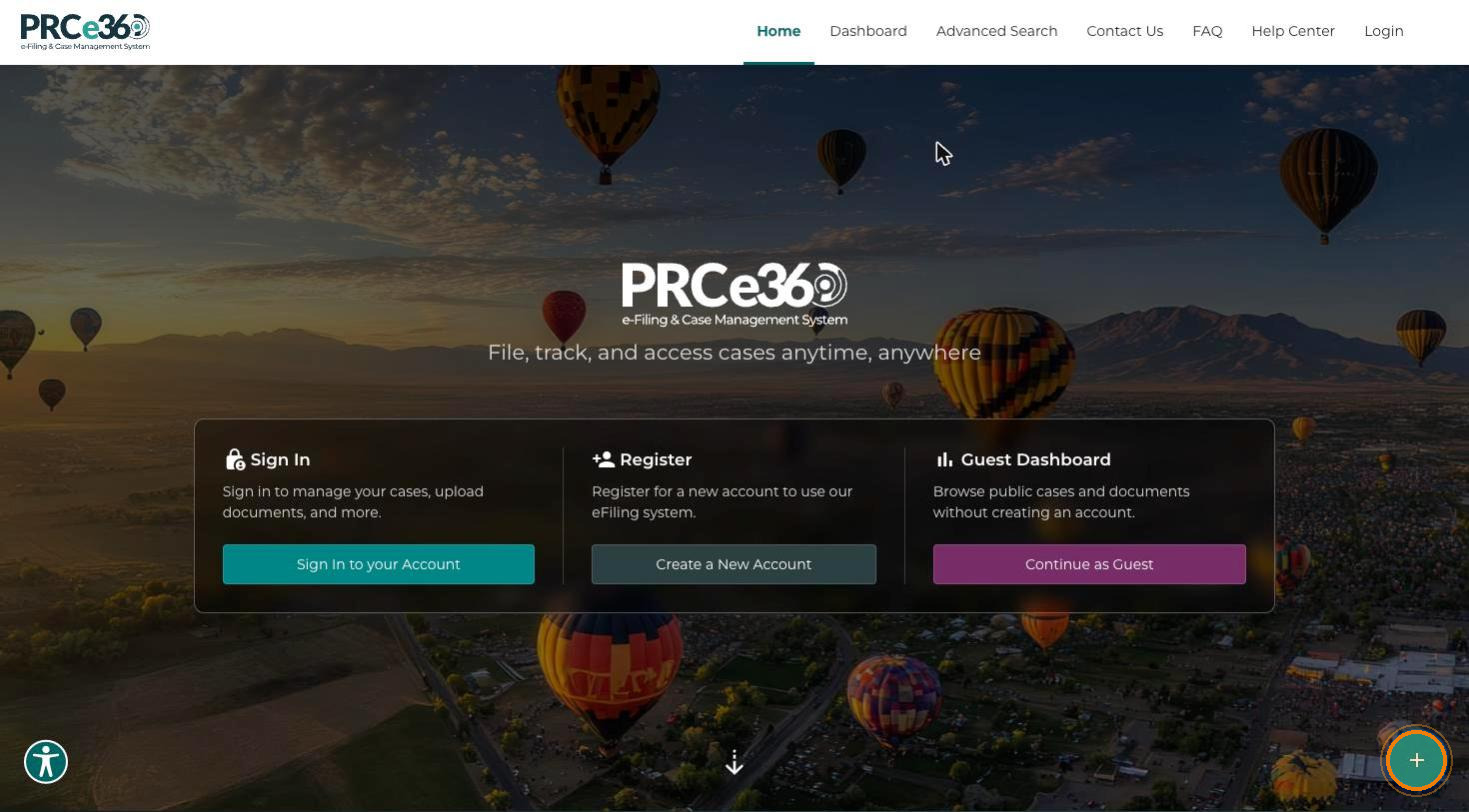
On the PRC main landing page, click Submit New (the + button at the bottom-right corner).
-
In the What would you like to submit? dialog, select Submit a Public Comment. The dialog also offers File an Informal Complaint and Submit a Rulemaking Comment.
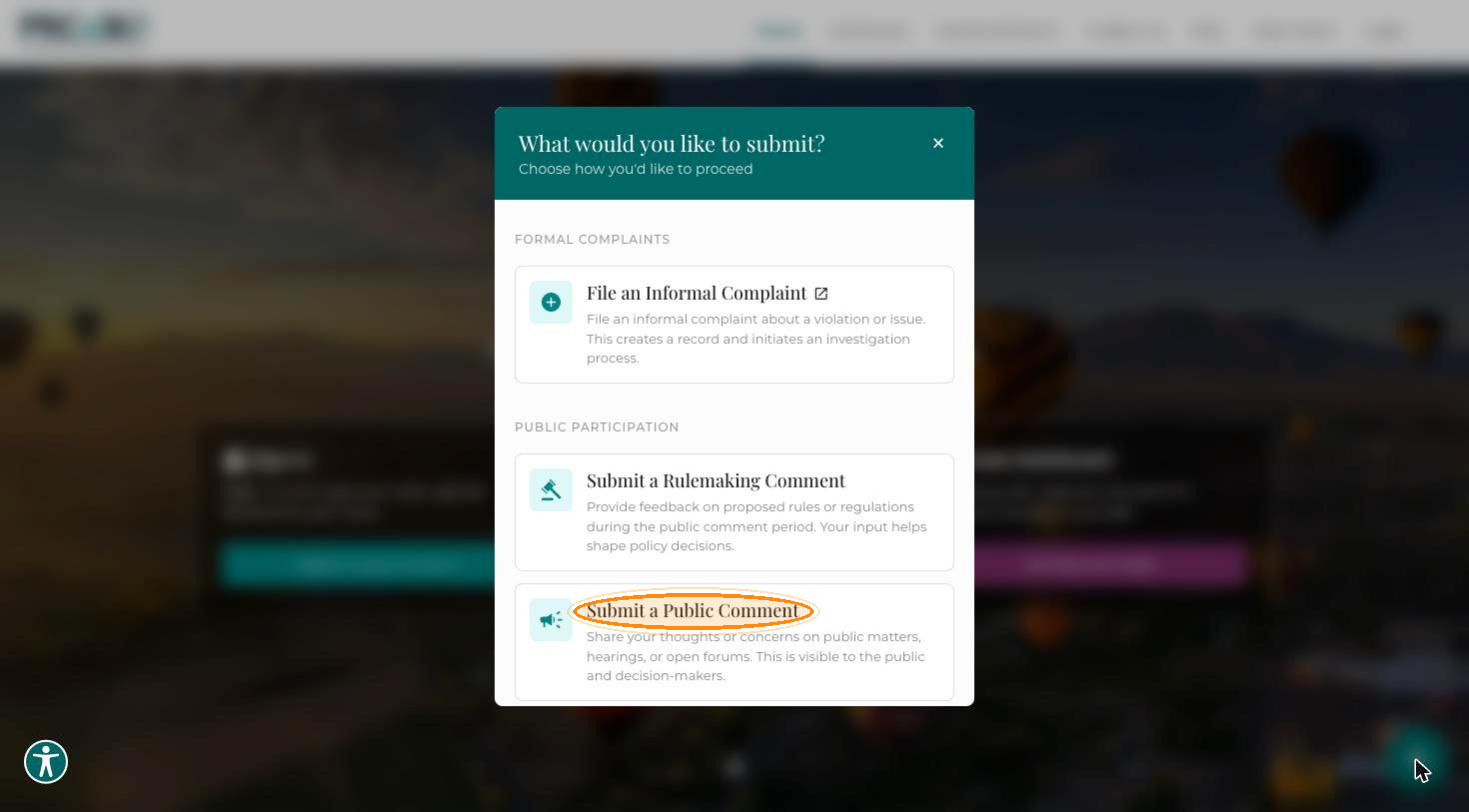
The Create New Public Comment form opens.
From the Dashboard
-
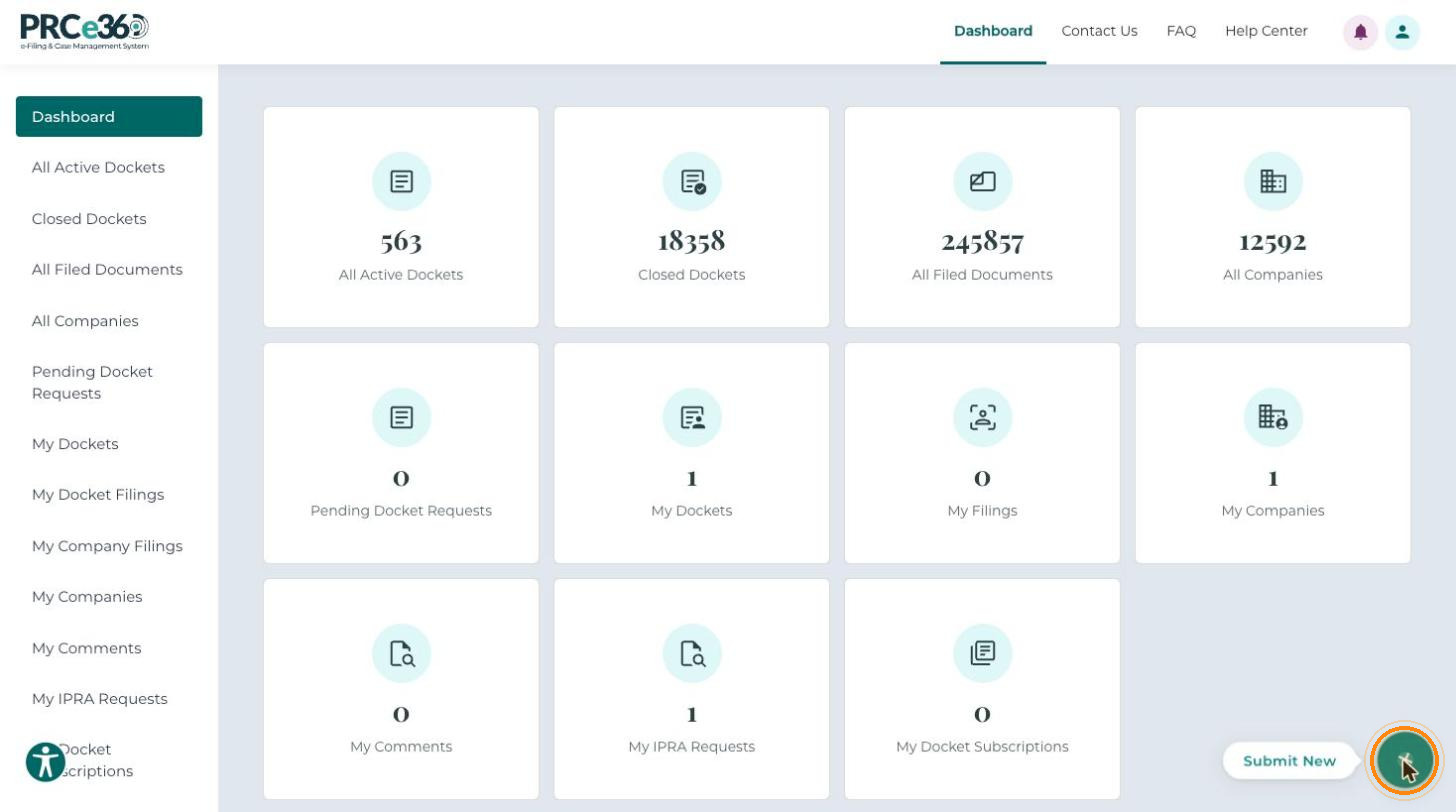
Sign in as a Tier 1 or Tier 2 user. On your dashboard, click Submit New (the + button at the bottom-right corner).
-
In the What would you like to submit? dialog, under Public Participation, select Submit a Public Comment.
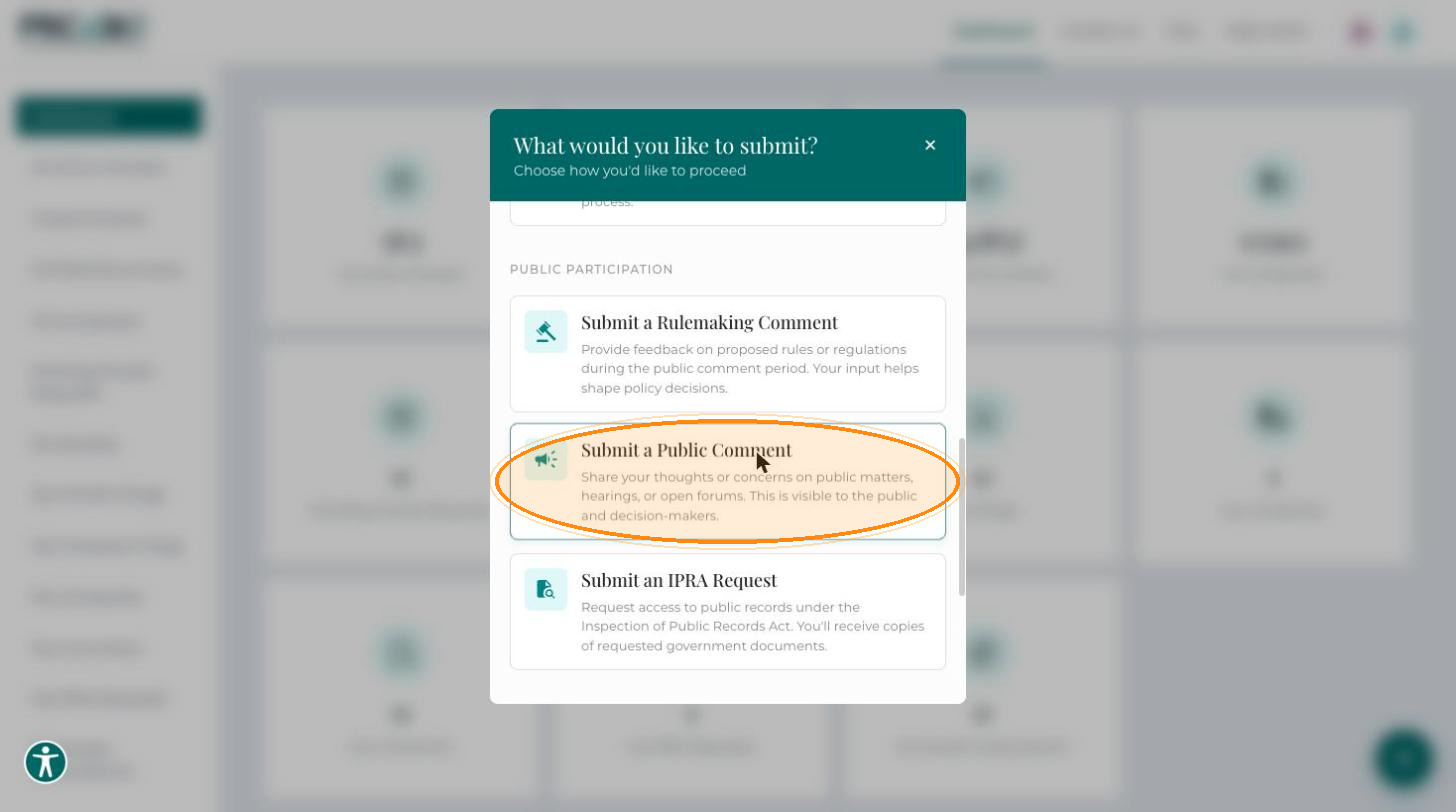
The Create New Public Comment form opens. You can comment on a specific Docket, a Company, or a Miscellaneous topic.
This form is for public comments only. It does not start a complaint. To file a complaint, see the FAQ for guidance on informal and formal complaints.